About this Template
The 5S Red Tag strategy is a visual management tool used during the "Sort" (Seiri) phase of 5S implementation. It helps teams identify, categorize, and remove unnecessary items from the workspace.
This template facilitates the systematic removal of clutter. When an item's necessity is unclear, a Red Tag is attached, moving it to a temporary holding area for further evaluation. This clears the workspace for critical value-adding activities.
Use this log to track tagged items, document decisions (Scrap, Return, Sell), and ensure follow-through on removal actions.
Pro Tip: Establish a clear "Red Tag Area" (holding zone) before you begin. Set a strict deadline (e.g., 30 days) for items to remain in this zone before final disposal decisions are made.
Standardized Log
Provides a central record for all red-tagged items, including date tagged, item description, and tagger name.
Disposal Tracking
Monitor the status of items in the holding area. Ensure items aren't forgotten and are processed by their deadline.
Category Sorting
Classify items (e.g., Tools, Inventory, Equipment) to spot patterns in waste accumulation across different departments.
Clear Accountability
Assigns responsibility for the final decision. Prevents "orphaned" items from cluttering the workspace indefinitely.
Perfect For
5S Implementation Lean Manufacturing Workspace Organization Kaizen Events Inventory Cleanout
FREE
Join the 28-Day Lean Challenge
Take your skills to the next level. Join 15,000+ practitioners and get exclusive tools delivered to your inbox.
Daily Lessons 5 Bonus Templates PDF Guides
Start the Challenge
No spam. Unsubscribe anytime.
The 6-Step Red Tag Workflow
A structured approach to clearing clutter, organizing the workspace, and identifying unnecessary items during the "Sort" phase of 5S.
Step 01
Define Categories
Before you start tagging, agree on what constitutes "unnecessary." Determine specific targets (e.g., broken tools, expired inventory, obsolete documents) to focus the team's efforts.
Goal:
Clear criteria to prevent debates during the tagging process.
Step 02
Attach Red Tags
Walk the workspace. When you find an item that fits the "unnecessary" criteria, physically attach a Red Tag. Fill out the tag details: Date, Item Name, and Reason.
- Be Ruthless: If in doubt, tag it.
- Be Specific: Write clearly on the tag.
Step 03
Move to Holding Area
Physically remove tagged items from the work area. Place them in a designated "Red Tag Area" (quarantine zone). This immediately frees up space and declutters the active workspace.
Requirement:
The holding area must be clearly marked and separate.
Step 04
Evaluate Items
Review the items in the holding area with the team or management. Ask critical questions: Is this needed? How often? Can it be stored elsewhere?
- Scrap: Obsolete or broken.
- Return: Belongs to another department.
- Keep: Needed, but rarely.
Step 05
Dispose & Log
Execute the decisions made in Step 4. Physically remove the scrap, sell valuable assets, or return items to vendors. Update the Red Tag Log to close out the entry.
Note:
Don't just move clutter to a new hiding spot. Remove it.
Step 06
Review & Sustain
Review the Red Tag Area monthly. If an item remains there past its deadline (e.g., 30 days) without being claimed, it gets disposed of automatically.
- Audit: Check the log regularly.
- Habit: Make sorting routine.
Red Tag FAQ
Common Questions
What belongs in the Red Tag area?
Any item that is not needed for current production or whose purpose is unclear. This includes broken tools, expired materials, obsolete documents, or excess inventory.
If you don't use it daily or weekly, it likely belongs in the Red Tag area for evaluation.
How long should items stay tagged?
Items should not remain indefinitely. Set a strict deadline, typically 30 days.
During this holding period, if no one claims the item or justifies its use, it is processed for disposal (scrap, sell, or recycle).
Who is responsible for red tagging?
Everyone.
While a 5S lead often manages the process, every employee should be empowered to tag items in their own workspace. This builds ownership and ensures that those closest to the work are making the initial sort decisions.
What if I tag something by mistake?
That is exactly what the holding area is for. If an item is needed, simply remove the tag and return it to the workspace.
This "safety valve" encourages teams to be aggressive with tagging without fear of accidentally throwing away critical tools.
Related Templates
View Library
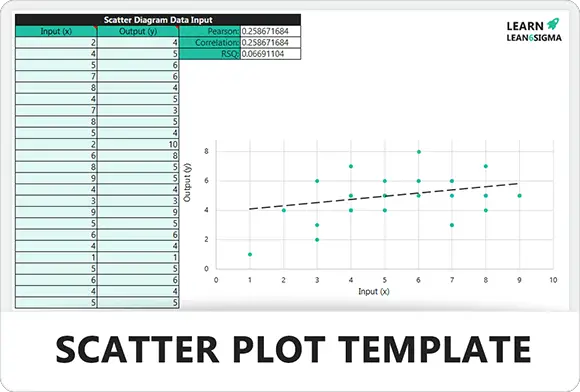
TemplateScatter Plot Template
4.0
3K +
Root Cause AnalysisPareto (80/20) Template
4.1
1467
Six SigmaProcess Flow Diagram Template
4.4
33K +
TemplateOne Point Lesson Template
4.8
12K +
TemplateValue Add Analysis Template
4.7
11K +
Six SigmaData Collection Plan Template
3.7
8K +
Six SigmaIs/Is Not Template
4
4K +
Root Cause AnalysisA3 Problem Solving Template
4.7
53K +
Template8 Wastes – TIMWOODS Template
4.2
12K +
TEMPLATEBalanced Scorecard Template
3.9
5461
5S5S Audit Trend Template
4.4
45K +
Risk ManagementControl Plan Template
4.3
4K +
Risk ManagementMonitoring and Response Plan Template
4.1
7K +
PrioritisationPrioritization Matrix Template
4.6
18K +
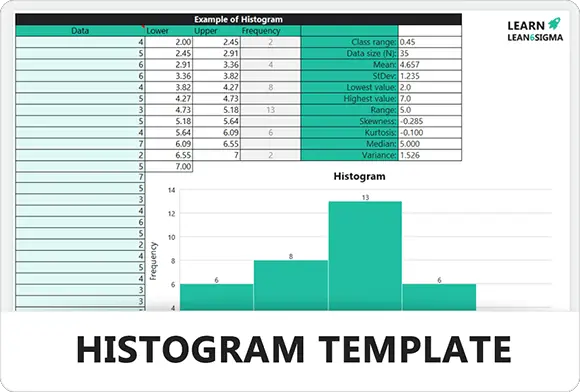
TemplateHistogram Template
3.8
1K +
TemplateLessons Learned Template
3.8
2.5K +
5S5S Audit Template for Workplace Organisation & Sustainment
4.4
23K +
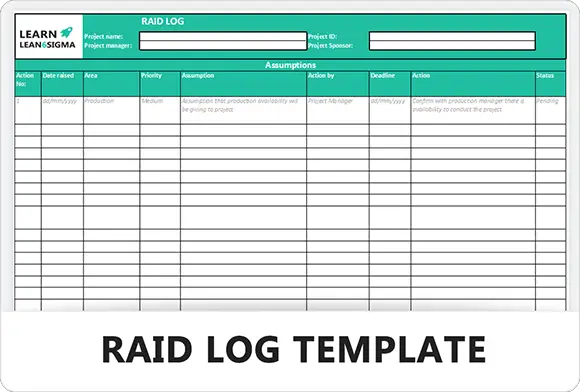
Risk ManagementRAID Log Template
4.5
65K +
Six SigmaProject Charter Template
4.6
22k +
TemplateSWOT Analysis Template
3.8
11K +
TemplateLean and Continuous Improvement Terminology List
4.1
1.2k
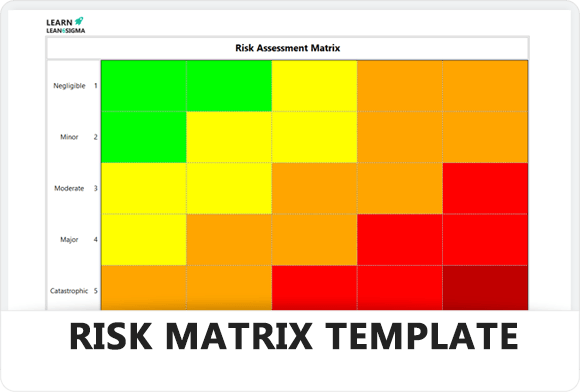
Risk ManagementRisk Assessment Matrix Template
4.1
8.9K
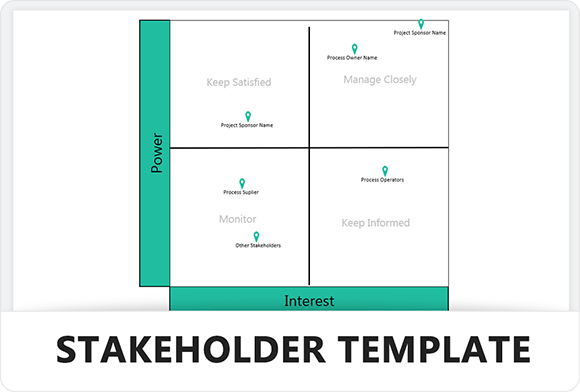
StrategyStakeholder Priortization Matrix Template
4.2
8k +
TemplateProject Charter Template
5.0
1k+
Free for Personal Use
Free
Instant Download • No CC Required
Download Excel Secure SSL 256-bit Encrypted
What's Included
Free Template
5S Red Tag Template